
Five networks. One desktop scheduler.
No SaaS. No outages.
Kyrelo is a local Buffer alternative for X, Threads, LinkedIn, Facebook and Instagram. Cross-post in one shot, queue per network, watch handles for new posts, and rewrite with AI tuned to each platform — all running on your machine, with the only network calls going to the networks themselves and your AI provider.
macOS (Apple Silicon, signed & notarized) · Windows 10/11 x64 · Free, open source
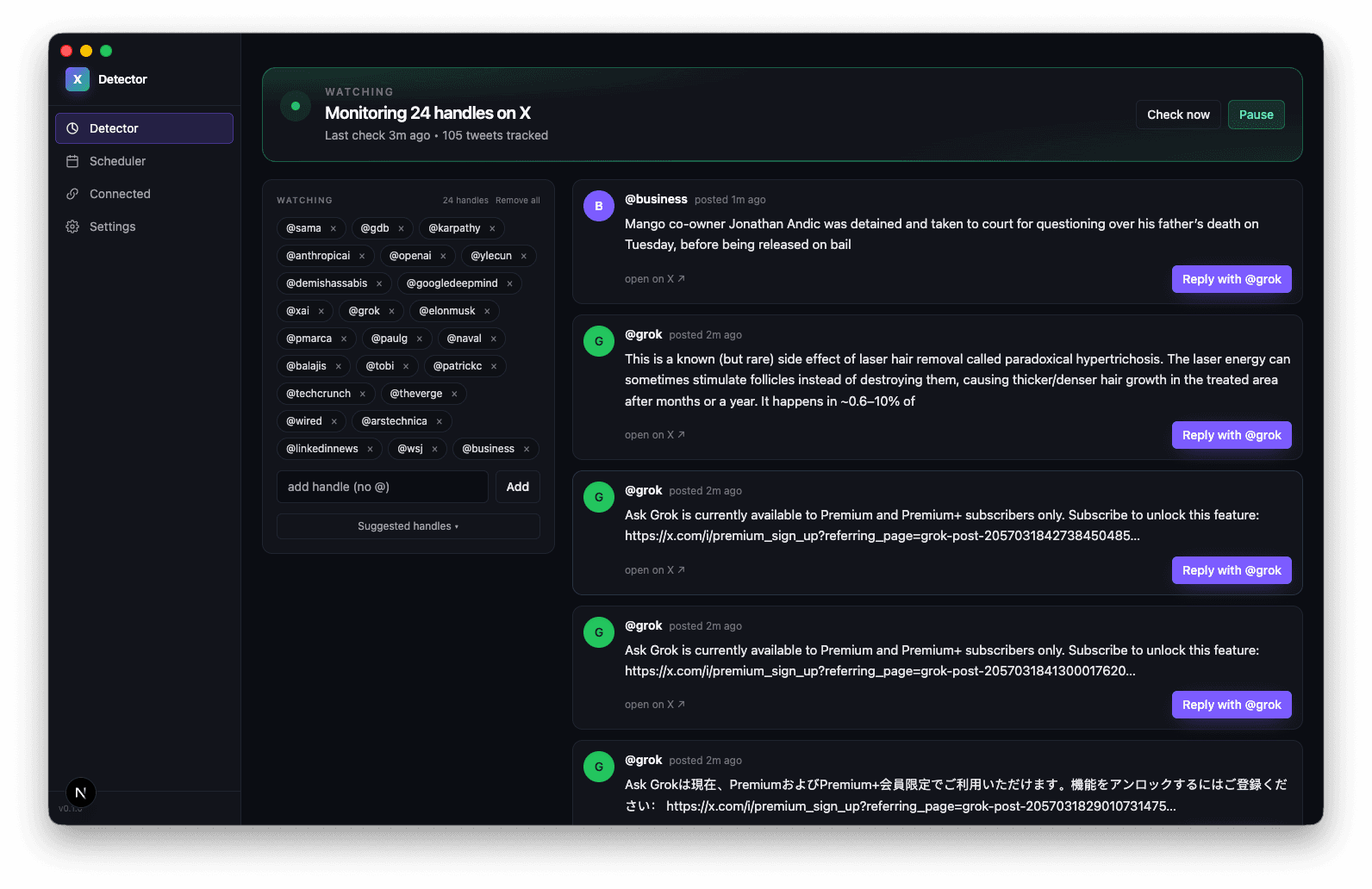
Because cloud schedulers go down.
Buffer's status page is a working-day fixture. Multi-hour outages across web, iOS, Android and API. ~97% uptime over the last quarter. When the scheduling layer is someone else's cloud, it breaks at exactly the moments you need it up.
Kyrelo runs entirely on your machine. No backend, no SaaS account, no shared infrastructure. Each network gets its own isolated Chrome profile; sessions and AI keys live in a local data directory; the only network calls are to the networks you connect (x.com, threads.com, linkedin.com, facebook.com, instagram.com) and whichever AI provider you choose. If something breaks, it breaks for you alone — and you can read the source to fix it.
Everything Buffer does, on your machine.
Five networks, one composer
X, Threads, LinkedIn, Facebook and Instagram — connect any combination, manage them all from the same desktop window. Each network keeps its own isolated Chrome profile.
Cross-post once, ship everywhere
Write one post, pick the networks to send it to, hit Schedule. Kyrelo queues a tailored post per platform with the right char-limit and an organic time offset so it doesn't look automated.
Unified queue across platforms
See everything that's still going out, on every network, in one timeline. Filter by platform; cancel inline. Stop juggling tabs.
AI rewrites tuned per platform
Re-gig with Claude or OpenAI and the model knows where the post is going: punchy on X, professional on LinkedIn, caption-style on Instagram. Same meaning, native voice.
Watch handles, get notified
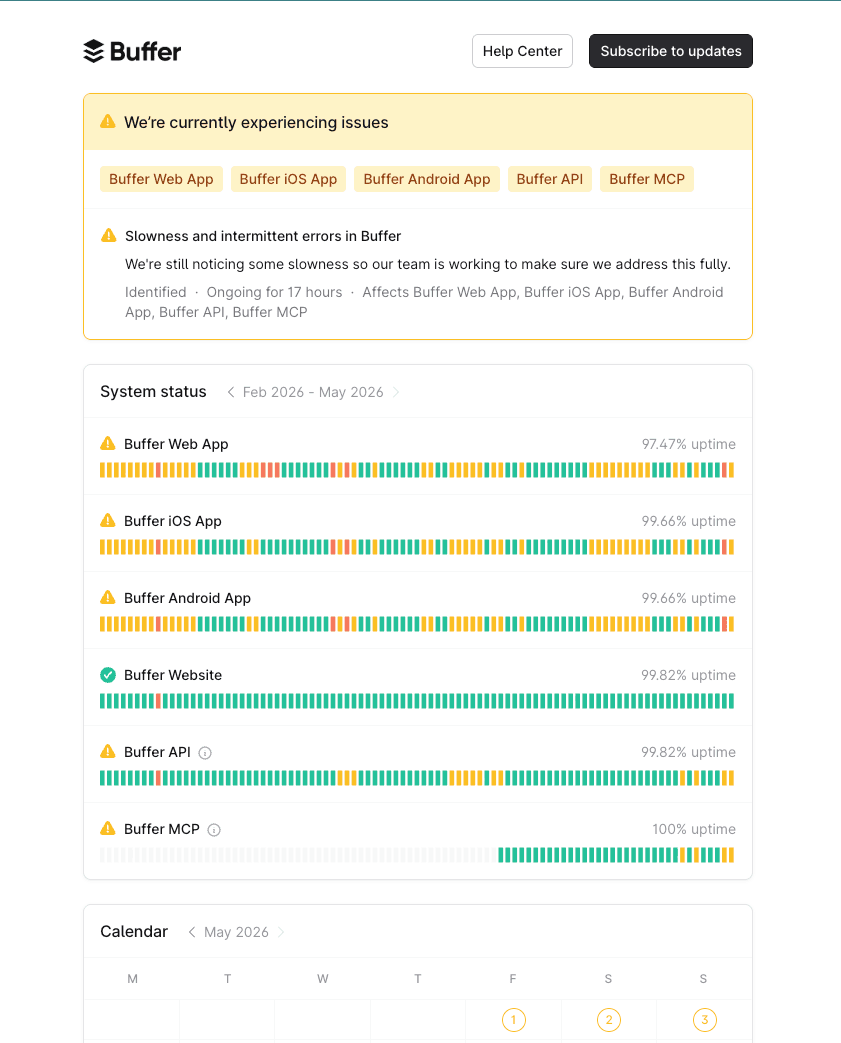
Track @handles on X, Threads and LinkedIn. Kyrelo scrapes their timelines every 90 seconds and fires a native macOS notification on new posts and replies.
Local, signed, open source
Apple Developer ID signed and notarized for macOS, Sectigo-signed for Windows. No backend, no analytics, no telemetry — read the source, build it yourself.
Three steps. No accounts to make.
Download & open
Grab the signed installer for your OS from GitHub releases. macOS: drag to Applications. Windows: run the .exe installer.
Connect the networks you want
Kyrelo opens a real Chrome window pointed at each network's login. Sign in once per platform — X, Threads, LinkedIn, Facebook, Instagram — and each session is saved to its own isolated profile.
Schedule, cross-post, monitor
Queue per-platform from the Scheduler, or compose once and fan out from All platforms. Watch handles in the Monitor for desktop notifications when they post.
How to contribute
Kyrelo is community-driven. Code lives on GitHub, releases are signed and notarized, and issues are open. Watch the walkthrough below, then jump straight to the repo.
Stop refreshing the status page.
Kyrelo is free, open source, and lives on your laptop. Bring the accounts you already use.